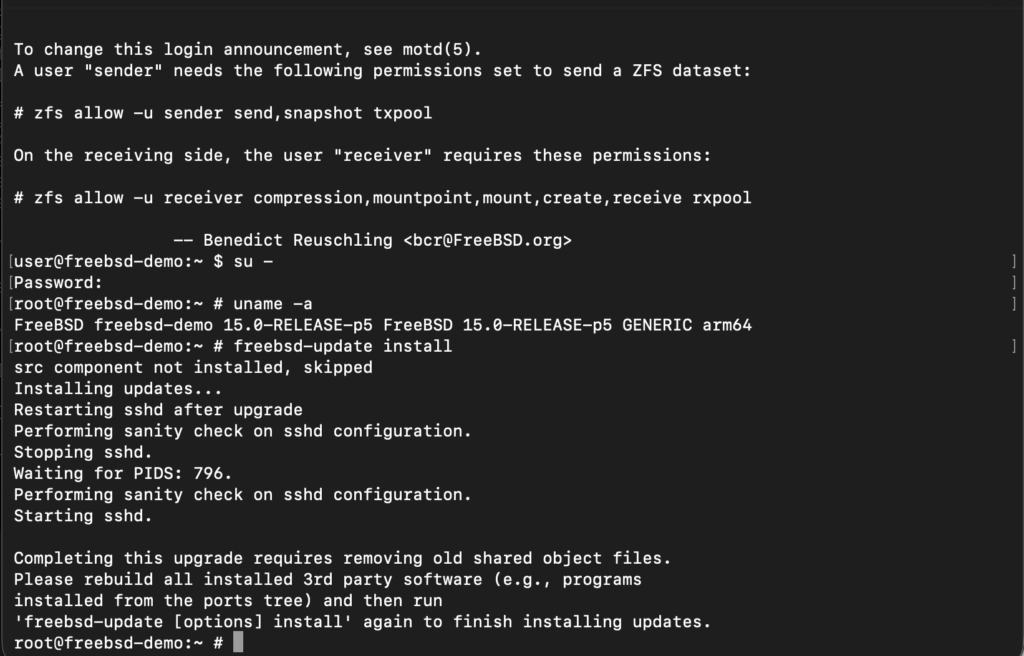
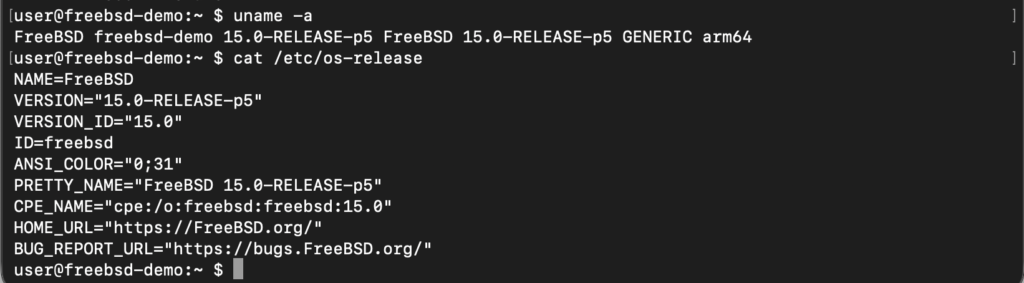
Upgrade vs Update
Updates are minor, frequent, and free changes that fix bugs or add small features to existing software or hardware, typically within the same version. Upgrades are major, less frequent, and a system with a newer, more advanced version
Step 1 – Make a backup
Keeping verified FreeBSD system backups would be best before upgrading your system. Make sure you backup all data, config files and databases.
Step 2 – Upgrade OS
The following command, when run on a FreeBSD 14.3 system, will upgrade it to FreeBSD 15.0:
root@freebsd-demo:~ # freebsd-update -r 15.0-RELEASE upgrade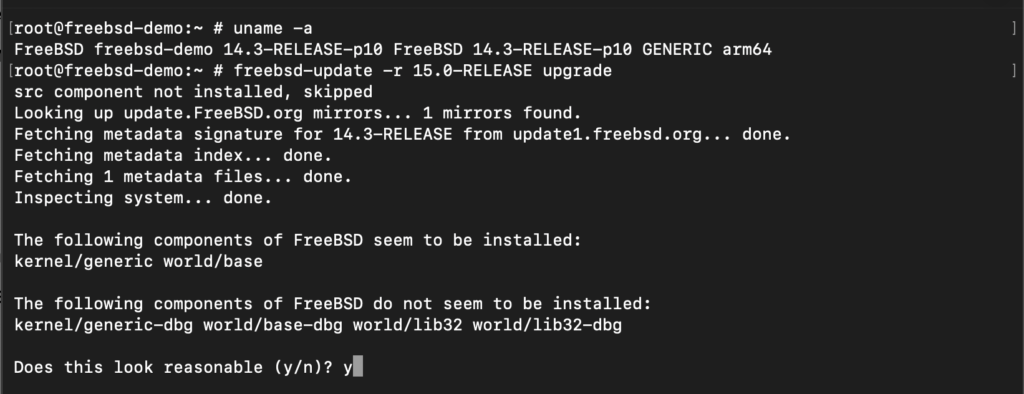
root@freebsd-demo:~ # freebsd-update install
root@freebsd-demo:~ # reboot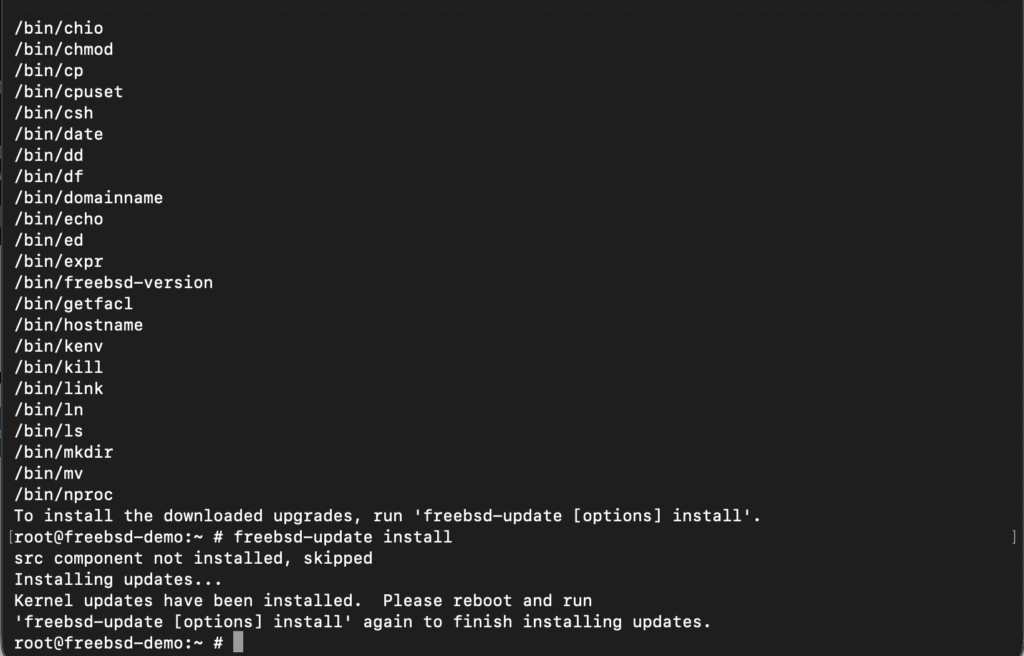
root@freebsd-demo:~ # freebsd-update install
root@freebsd-demo:~ # reboot